How Does eSIM Work? (Technical Breakdown Made Simple)
A clear, jargon-free breakdown of how eSIM technology actually works under the hood — from Remote SIM Provisioning to carrier profile downloads.

What Happens When You Activate an eSIM?
When you activate an eSIM, your device communicates with a Subscription Manager (SM) server operated by your carrier. This server delivers a digital carrier profile — essentially a set of encrypted credentials — directly to the embedded chip inside your phone.
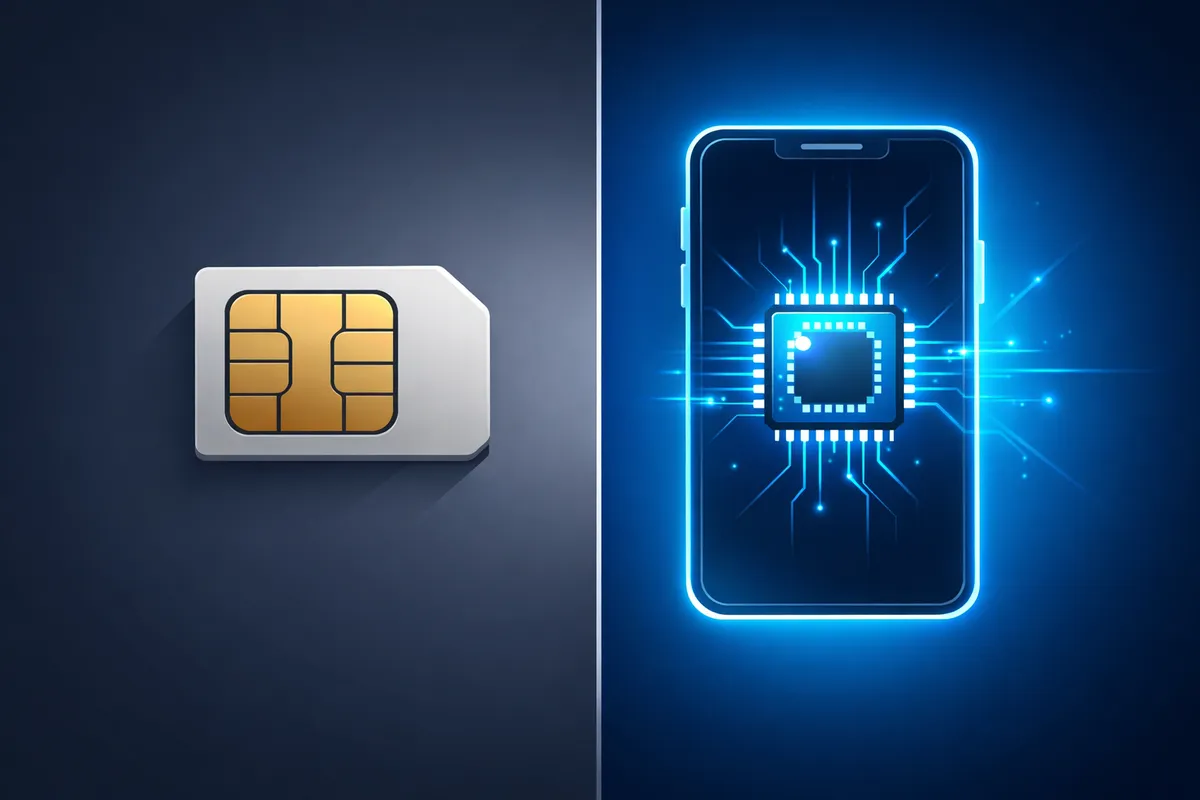
Unlike a physical SIM card that stores data on a removable chip, an eSIM uses a soldered chip (eUICC) built into the device's motherboard. This chip can securely store and manage multiple carrier profiles simultaneously.
The Technology Behind eSIM: Remote SIM Provisioning (RSP)
The core technology that makes eSIM possible is called Remote SIM Provisioning (RSP), defined by the GSMA (the global mobile industry body). Here's how it works:
The RSP Architecture
- eUICC (Embedded Universal Integrated Circuit Card): The physical chip in your device that stores carrier profiles
- SM-DP+ (Subscription Manager – Data Preparation): The server that prepares and delivers carrier profiles
- SM-DS (Subscription Manager – Discovery Server): Helps your device find the right SM-DP+ server
- LPA (Local Profile Assistant): The software on your device that manages eSIM profiles
The Activation Flow
Here's what happens step by step when you scan a QR code to install an eSIM:
-
QR Code Scan: You scan the QR code provided by your eSIM provider (like Teraroma). This QR code contains the SM-DP+ server address and an activation code.
-
Device Contacts SM-DP+: Your phone's LPA connects to the SM-DP+ server over the internet and authenticates using the activation code.
-
Profile Download: The SM-DP+ server sends an encrypted carrier profile to your device. This profile contains your IMSI number, authentication keys, network settings, and carrier-specific configurations.
-
Profile Installation: The LPA installs the profile into the eUICC chip. The profile is encrypted and can only be decrypted by the eUICC.
-
Network Registration: Once installed, the eSIM profile registers with the carrier's network, and you're connected.
eSIM vs Physical SIM: What's Actually Different Internally?
Both eSIM and physical SIM cards perform the same fundamental function — they authenticate your device on a mobile network. The difference is entirely in the form factor and provisioning method:
| Aspect | Physical SIM | eSIM | |--------|-------------|------| | Form Factor | Removable plastic card | Soldered chip on motherboard | | Provisioning | Pre-programmed at factory | Remotely programmed over the air | | Profile Storage | One profile per card | Up to 10+ profiles | | Switching Carriers | Swap physical card | Download new profile | | Security | Can be removed/cloned | Tamper-resistant, remotely lockable |
How eSIM Profiles Are Secured
Security is a critical aspect of eSIM technology. Here's how your data stays protected:
Encryption Layers
- Profile Encryption: Each carrier profile is encrypted with keys unique to your device's eUICC
- Transport Layer Security (TLS): All communication between your device and the SM-DP+ server uses TLS encryption
- Mutual Authentication: Both your device and the server verify each other's identity before any data transfer
Tamper Protection
The eUICC chip includes hardware-level tamper protection. Even if someone physically accesses the chip, they cannot extract the stored profiles or authentication keys.
How Dual SIM Works with eSIM
Most modern smartphones support Dual SIM Dual Standby (DSDS), which means you can use a physical SIM and an eSIM simultaneously. Here's how it works:
- Both SIM profiles are active and can receive calls/messages
- Only one can use data at a time (you choose which)
- You can assign specific contacts or apps to specific SIM profiles
- Learn more about using both SIMs together
What About 5G and eSIM?
eSIM technology is perfectly designed for 5G networks. In fact, many 5G-only devices use eSIM exclusively because:
- No SIM tray needed: More internal space for larger batteries and better antennas
- Faster network switching: eSIM can switch between network slices instantly
- Better IoT support: 5G IoT devices (smartwatches, connected cars) benefit from eSIM's compact form factor
Common Misconceptions About How eSIM Works
"eSIM needs internet to work after activation"
False. You only need internet (WiFi or existing mobile data) to download and install the eSIM profile. Once activated, it works exactly like a physical SIM — no internet required for the cellular connection itself.
"eSIM profiles are stored in the cloud"
False. Profiles are stored locally on the eUICC chip in your device. The cloud (SM-DP+) is only used during the initial download. Once installed, the profile exists solely on your device.
"You can transfer eSIM profiles between devices"
It depends. Some carriers support eSIM transfer (like Apple's eSIM Quick Transfer), but generally, you'll need to request a new eSIM profile for a new device. This is actually a security feature.
The Future of eSIM Technology
iSIM: The Next Evolution
The next step beyond eSIM is iSIM (Integrated SIM), where the SIM functionality is built directly into the device's main processor. This eliminates the need for even a separate eUICC chip, making devices even smaller and more efficient.
eSIM for IoT
The Internet of Things (IoT) is driving massive eSIM adoption. Connected cars, smart meters, industrial sensors, and medical devices all benefit from eSIM's ability to be remotely provisioned and managed.
Getting Started with eSIM on Your Device
Ready to experience eSIM technology? Here's what you need:
- Check compatibility: Make sure your phone supports eSIM
- Choose a provider: Teraroma offers eSIM plans for 190+ countries
- Purchase and scan: Buy a plan and scan the QR code
- Start using: You're connected in under 5 minutes
Whether you're a frequent traveler, a tech enthusiast, or simply want a more flexible mobile experience, understanding how eSIM works helps you make the most of this transformative technology.
The eUICC: The Chip Inside Your Phone
A physical SIM is a UICC — a small smart card running a secure operating system that stores your subscriber identity. An eSIM is an eUICC (embedded Universal Integrated Circuit Card): the same kind of secure element, soldered onto the phone's board, but able to hold several operator profiles and download new ones over the air.
Each eUICC has a unique EID (eUICC Identifier), a 32-digit number you can see in your phone's settings. The EID identifies the chip; the ICCID identifies each individual profile installed on it.
What a "Profile" Contains
An eSIM profile is the digital equivalent of the contents of a plastic SIM:
- The IMSI — the subscriber identity the network uses to recognise you
- Authentication keys (Ki and OPc) that never leave the secure element
- Network settings such as preferred networks and APN data
- Small operator applets
Profiles are packaged in a standard GSMA format, so any compliant phone can install a profile from any compliant operator.
The Servers: SM-DP+ and SM-DS
GSMA specification SGP.22 (consumer remote SIM provisioning) defines the servers involved:
- SM-DP+ (Subscription Manager – Data Preparation): prepares, encrypts and delivers profiles for the operator
- SM-DS (Discovery Server): an optional "mailbox" that lets a phone discover a profile waiting for it without a QR code
- LPA (Local Profile Assistant): software in your phone's OS that talks to the SM-DP+ and to the eUICC
What Happens When You Scan the QR Code
The QR code is just text: an activation code in the format LPA:1$smdp.example.com$MATCHING-ID. When you scan it:
- The LPA reads the SM-DP+ address and the matching ID
- Your phone opens a TLS connection to that SM-DP+ server
- The eUICC and the server mutually authenticate using certificates signed under the GSMA's PKI — the phone proves it is a genuine eUICC, the server proves it is an authorised SM-DP+
- The server encrypts the profile with keys negotiated for that specific chip
- The LPA passes the encrypted bundle to the eUICC, which decrypts and installs it internally
Because the profile is bound to one EID, a copied QR code cannot install the same profile twice — most activation codes are single-use.
Why You Need Internet to Install (but Not to Use)
Steps 2–5 need a data connection, which is why you install over Wi-Fi before travelling. Once installed, the profile behaves exactly like a physical SIM and connects to the mobile network without any further downloads. See does an eSIM work without internet?.
Multiple Profiles, One Radio
An eUICC can store several profiles (often 5–10+), but most phones run one or two at once — that is Dual SIM Dual Standby. That is how you keep your home number active while a travel eSIM handles data (setup guide).
Security Compared to Plastic SIMs
- No physical theft or swap: there is no card to remove
- Keys stay in hardware: authentication keys never leave the secure element
- Signed, encrypted delivery: profiles only install from certified servers to certified chips
- Remaining risk: SIM-swap fraud via social engineering at your carrier still applies — protect your carrier account with a PIN
More on this in our eSIM security guide.
Consumer vs IoT eSIM
Phones, tablets and watches use the consumer standard (SGP.22), where the user approves each download. Cars, meters and trackers use machine-to-machine standards (SGP.02, and newer SGP.32) where profiles are pushed remotely without a user.
Putting It Into Practice
Ready to try it? Check your phone supports eSIM, then install a travel eSIM.
Frequently Asked Questions
Stay in the Loop
Get the latest travel tips, eSIM guides, and exclusive deals delivered to your inbox
We respect your privacy. Unsubscribe at any time.
Related Articles
eSIM vs Physical SIM Card: Complete Comparison Guide 2025
A comprehensive comparison of eSIM and traditional SIM cards to help you make the right choice for your connectivity needs.

Can eSIM Replace SIM Cards Completely? (2026 Reality Check)
Physical SIM cards have been around for 30+ years. With Apple already going eSIM-only, is the end of physical SIMs really here? Let's look at the facts.